Which dealership websites does it work with?
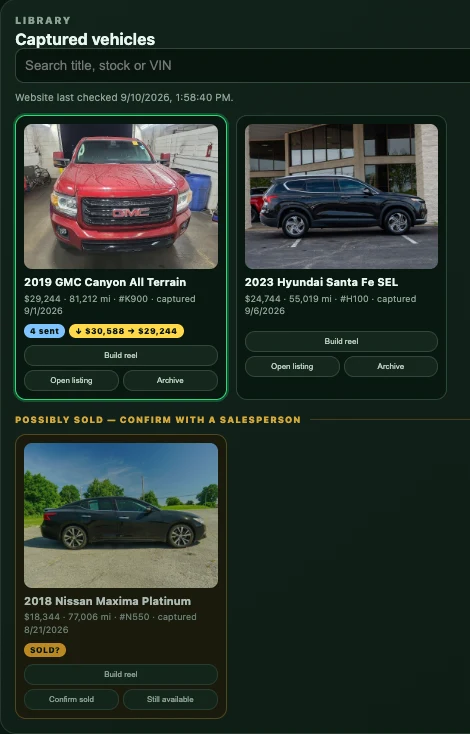
Post Ads 4 You reads vehicles from your dealership’s own website, and part of setup is connecting yours. Websites built on DealerCarSearch are the quickest to connect. Sites on other platforms need their own connection, which we quote separately.
Does it post for me?
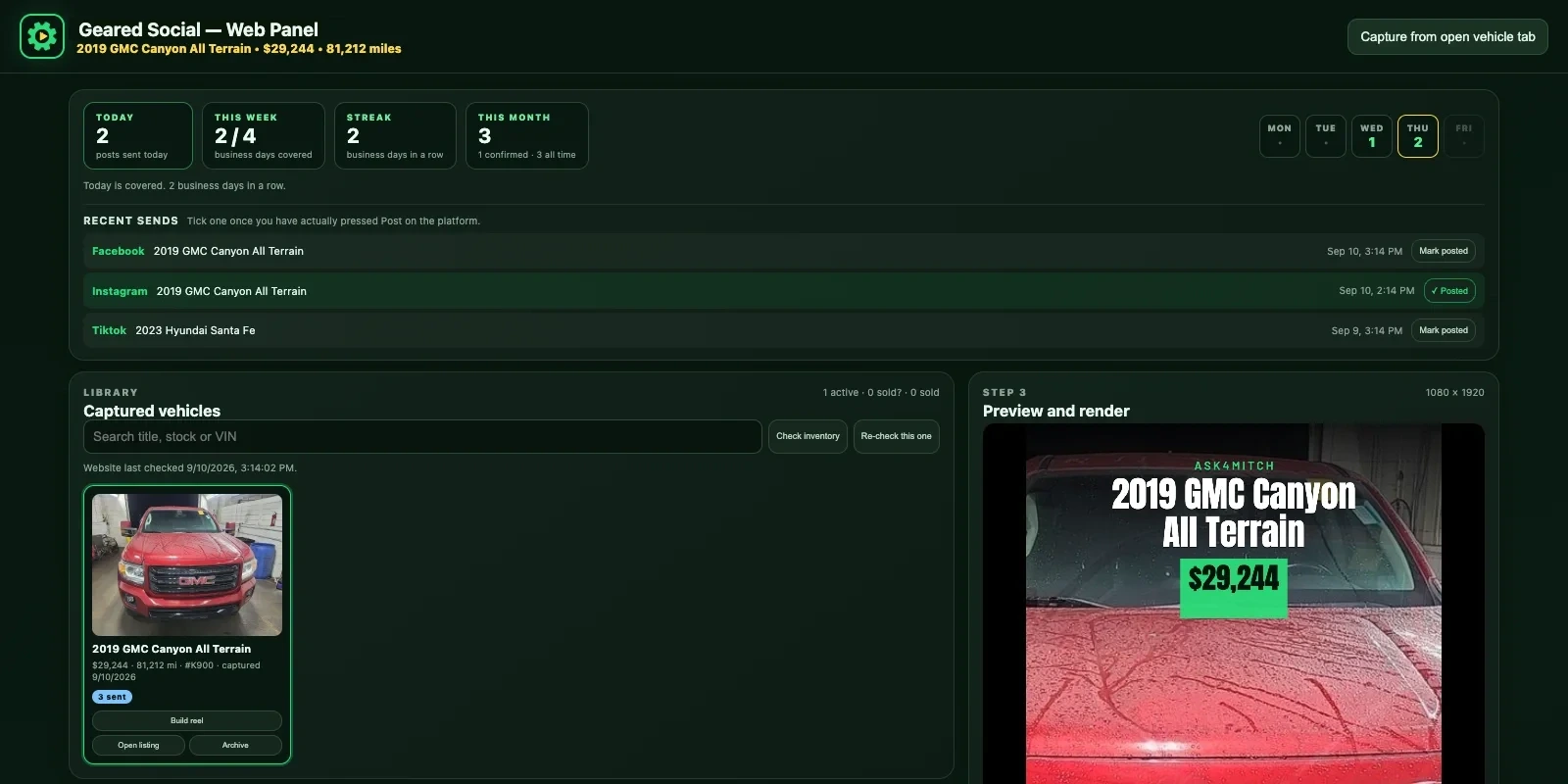
No, and that’s on purpose. It opens Facebook Marketplace, Instagram or TikTok, fills in the draft and attaches the photos or video. You check the price and availability and press Post yourself. Tools that press Post for you put the account at risk.
What do I need?
Google Chrome on a Mac or Windows computer, and the Facebook, Instagram or TikTok accounts you already post from. There’s no separate app or login — we install the extension with you during setup.
Can more than one salesperson use it?
Yes. Each salesperson runs Post Ads 4 You in their own Chrome, with their own name, phone number and video end card. Each computer keeps its own library and dashboard.
Where are my vehicles and videos kept?
In Chrome, on your computer. Reels are made there too, so a video isn’t uploaded anywhere until you share it to a platform. Old Reels you never sent can be cleared out in one click.
Is the music safe to use?
The built-in track, Open Road, was written for Post Ads 4 You. No third-party licence applies to it and no credit is required, so it is safe to use on a dealership account. Adding a song inside Facebook, Instagram or TikTok after sharing is still a good option, and any Reel can be made silent.
What happens when Facebook changes its pages?
It happens often. If a draft doesn’t fill in, a Retry button is right there, and you can always copy the caption and paste it yourself. Updates to keep up with those changes are included in every plan.
Does it check vehicle history?
When a listing links to an AutoCheck report, Post Ads 4 You reads it, makes sure the VIN matches, and adds a summary card as the third Marketplace photo with the report link in the description. It doesn’t buy reports for you.